Oh no, it seems that you have been caught in a roundabout hell... will you be able to escape it without leaving at the wrong exit or crash into anyone?
Escape the 12 crafted puzzles avoiding the wrong exits, attempting not to crash the other cars and not passing continuous lines .
Note: The roundabouts and rules of road are inspired by the Portuguese law.
This game was made for the GMTK Game Jam 2025, where the theme was "Loops". Out of the 9646 entries the game ended up ranking in the 340th place in the Artwork category, 669th place in Creativity, and 1277th place in Enjoyment. The game can be played in browser here.
The theme of the jam allowed to create any type of the game, but one thing we found interesting was to find a way to incorporate real life loops into the gameplay. Following a routine or do the same thing over and over again felt like it was the approach that everyone in the jam would take... so we started to talk about roundabouts and how sometimes those feel like an endless loop when we cannot exit at our exit. Making a game using roundabouts allowed to use the theme effectively and express the frustration of driving in them.
The gameplay
The controls
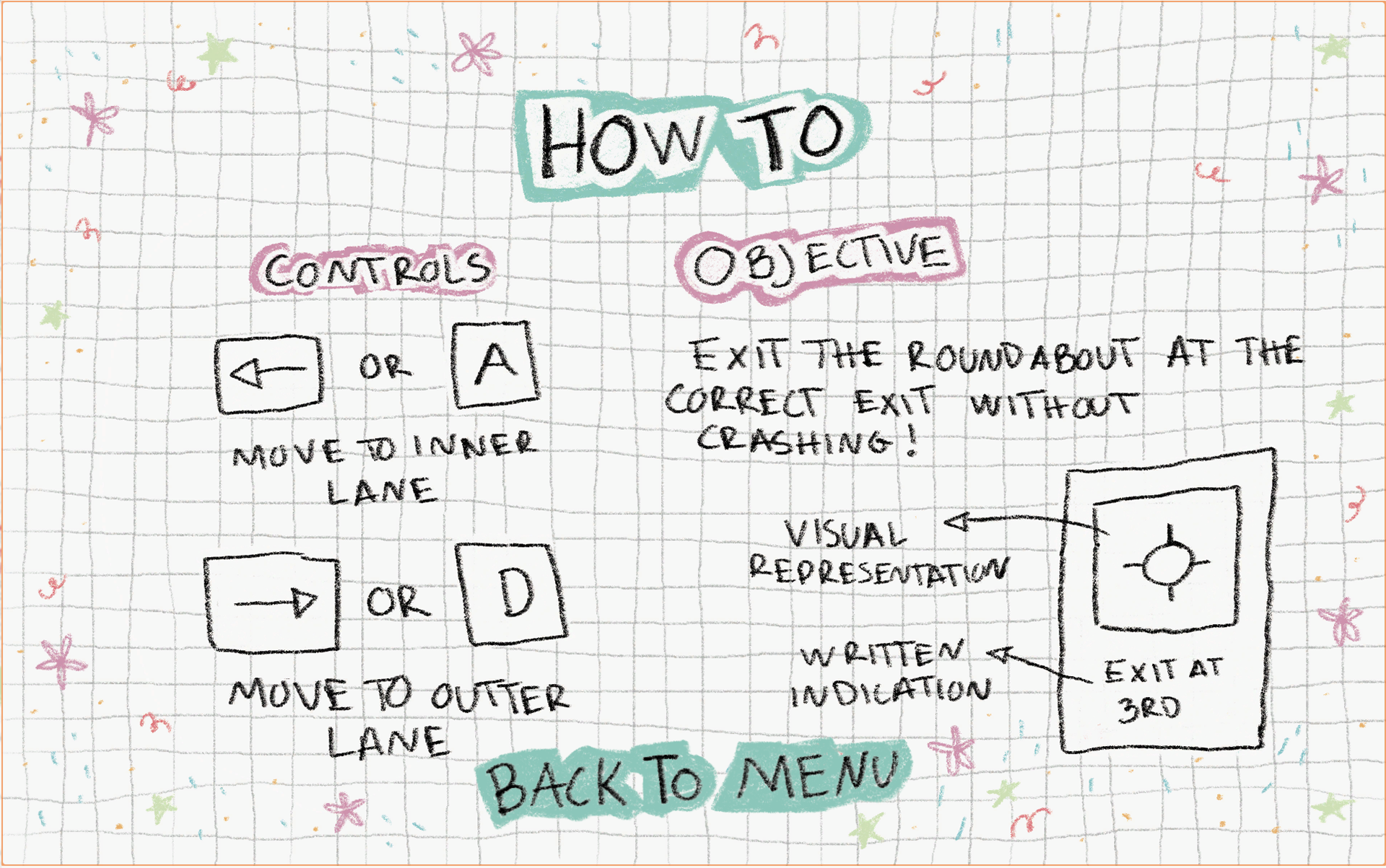
The game only utilises two controls: GO to the Outer Lane (Right Arrow Key or D) and Go to the Inner Lane (Left Arrow Key or A). These controls are inspire by how to drive in a roundabout, if you are exiting on the first exit you keep driving on the right most lane if not, you have to go to the left side lane.
At the beginning of playing the game it might seem counter intuitive, especially after reaching the half way point of the roundabout where the information is visually flipped.
Difficulty progression
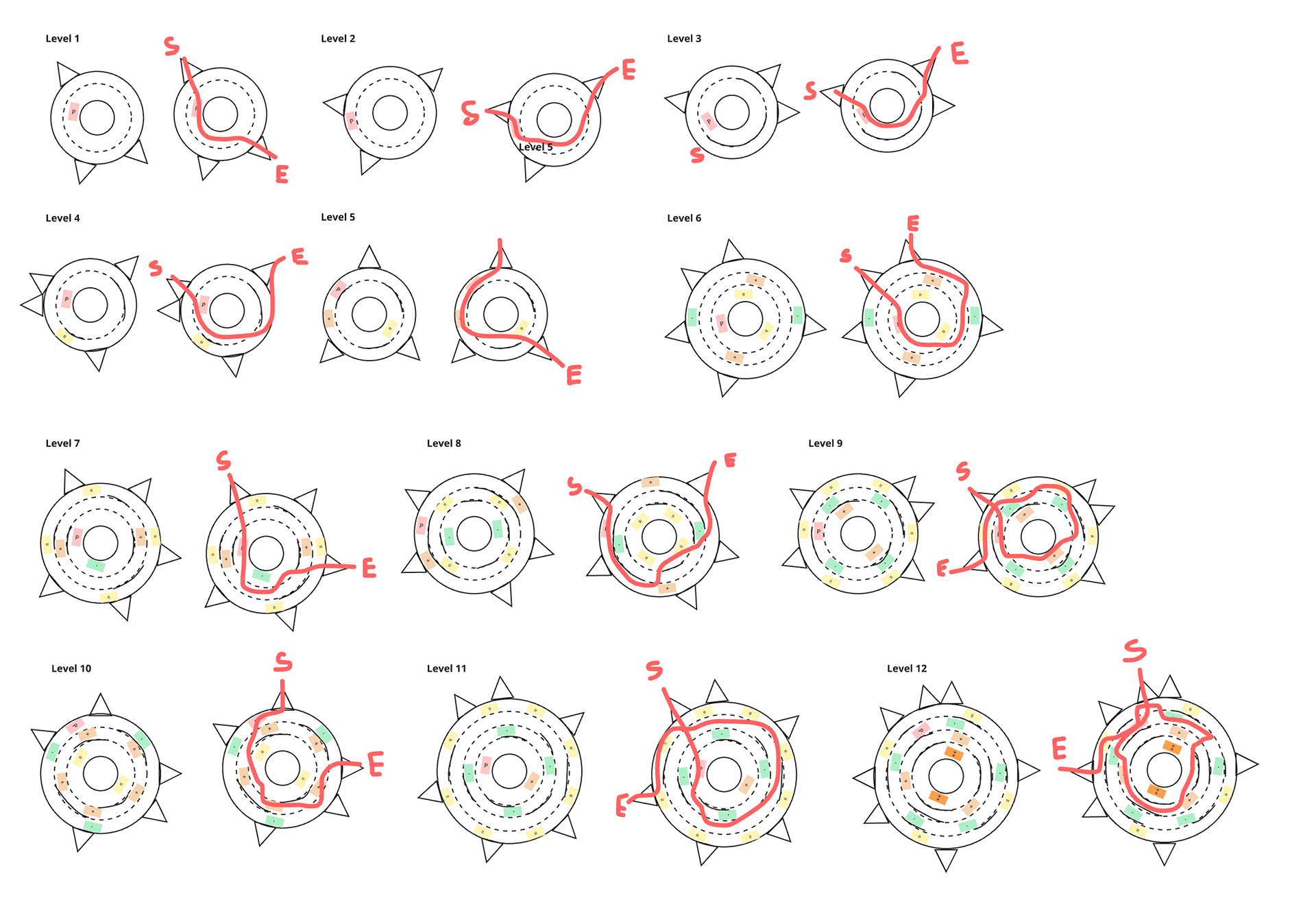
The difficulty increases by adding more lanes and by adding various cars that move at different speeds. In this version of the game there are levels with two, three and four lanes, and has been introduced three different types of cars that move slower, faster or at the same speed as the player. These elements allowed to create a difficulty progression that doesn't become extremely frustrating to the player, currently there are five levels with two lanes, five levels with three lanes and two levels with four lanes.
To add an additional layer of difficulty the levels also have a mix of dashed line where players can move freely, and a continuous line that cannot be passed becoming an obstacle. There are some levels where the players are forced to loop around the roundabout multiple time to get to their correct exit.
If continuing to work on this game, the next levels of progression will add levels with multiple roundabouts to further create the feeling of dread that driving in roundabouts can be but also to allow to create interesting levels without them becoming too repetitive.
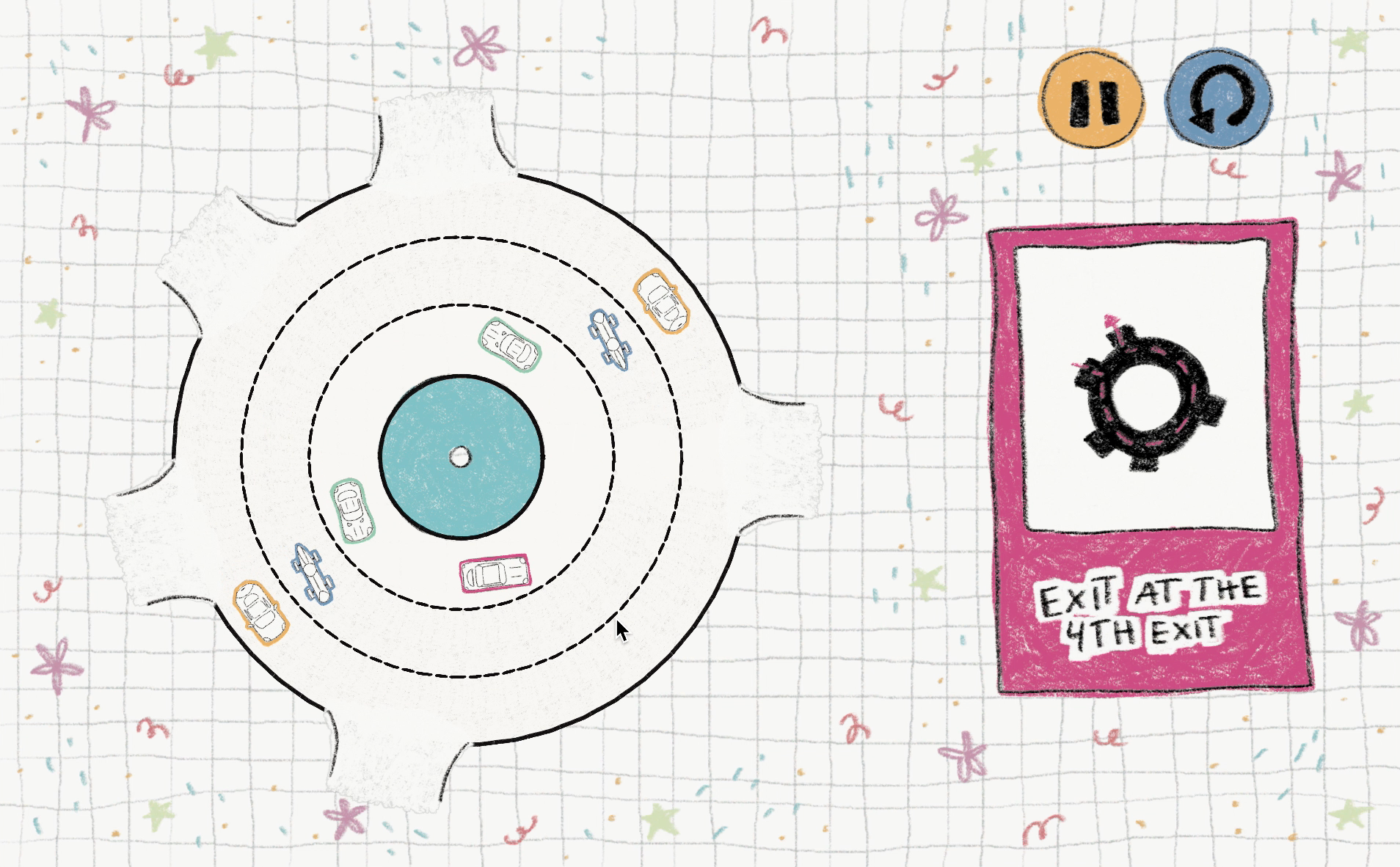
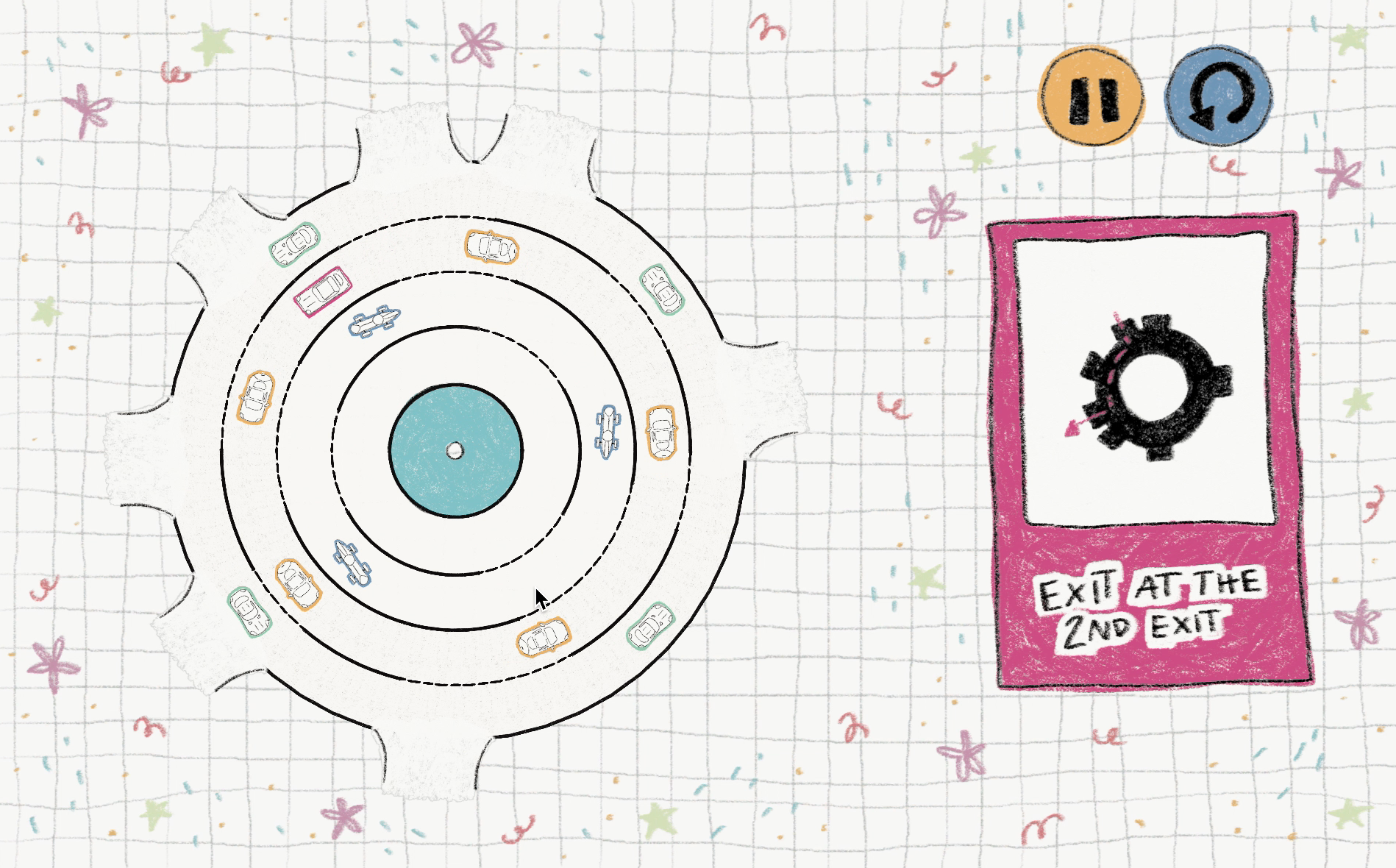
Winning and loosing
A win is considered when the player exits the roundabout at the correct exit without crashing in any moving car. On another hand there are two different ways that can lose the game, either by crashing with another car which will trigger an over the top crashing sound, but also by exiting the wrong exit. With either of the options the player will be quickly prompted with the option of retrying the level or not.
The art
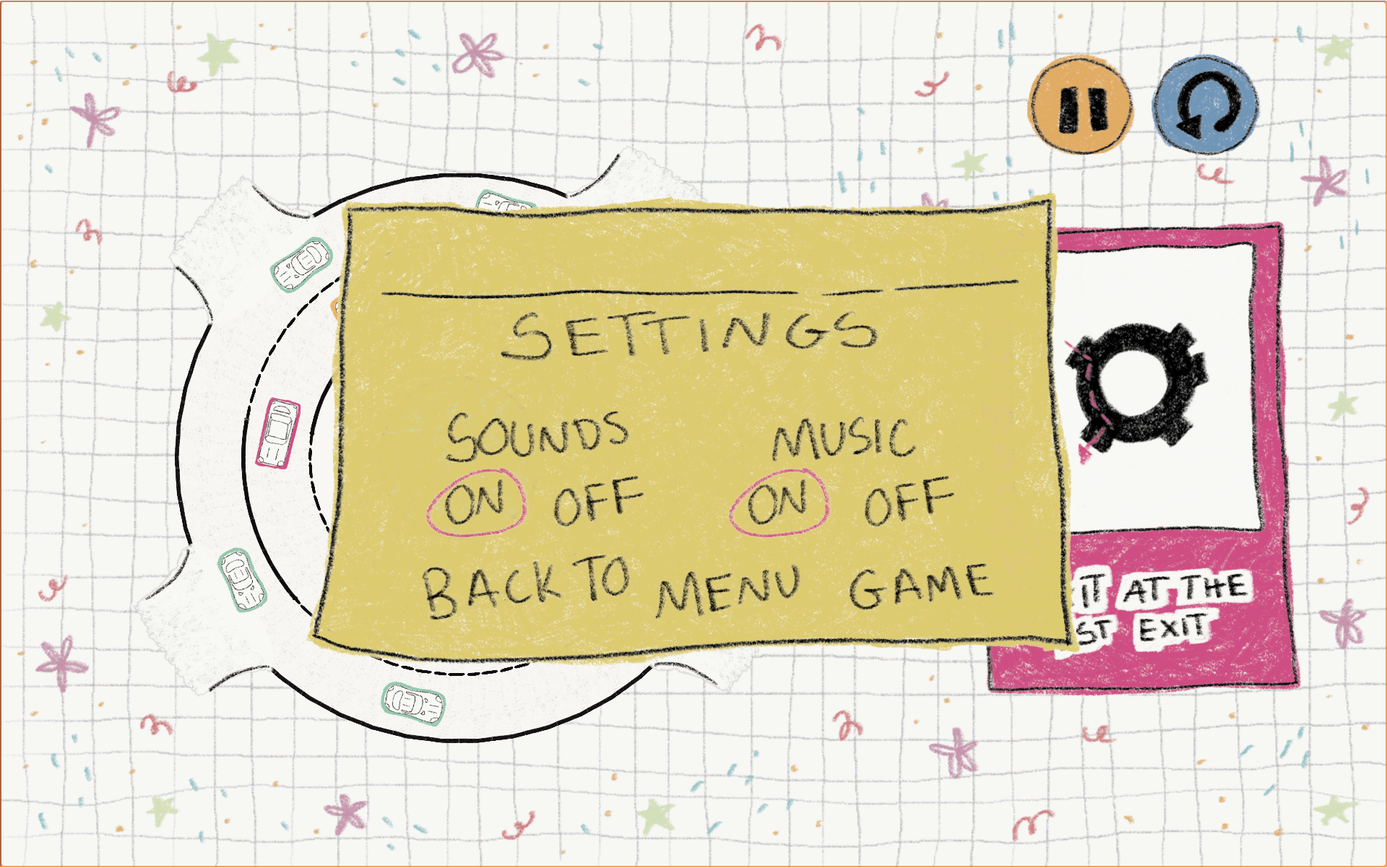
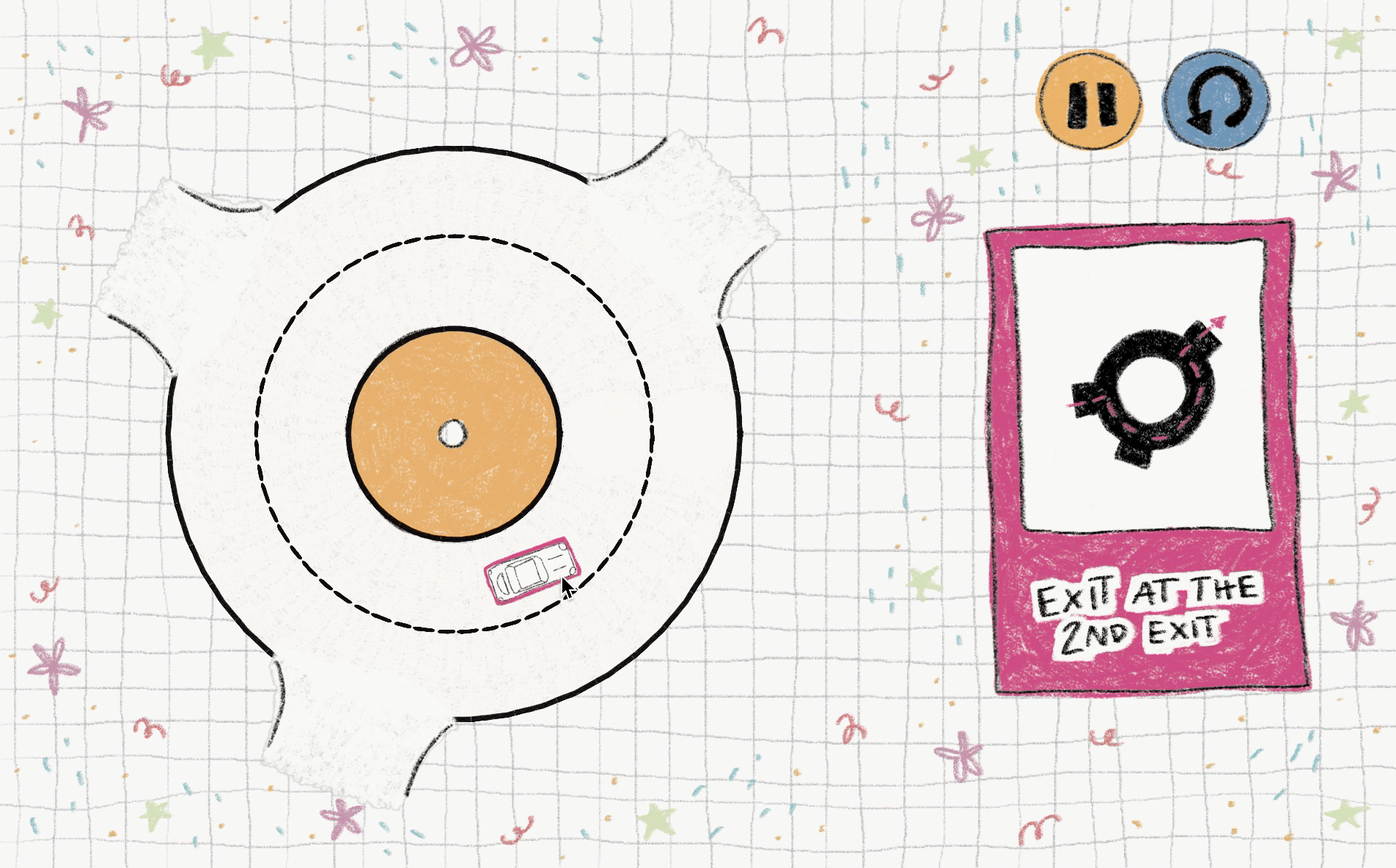
The art style for the game can be described as "scrapbook vibes drawn by children", with the use of a irregular grid, bold and pastel colours, little scribbles around the edges of the game screen. The in-game menu UI is all done inside sticky notes to further showcase the idea that the game is something that has been drawn inside of a notebook.
All of game elements have been hand drawn digitally to keep the aesthetic consistent, that is also reinforced with the "wonky" typography (that was also hand drawn). The different cars in the game also have different coloured borders to be easily identified during gameplay, both the player's car and the place where the objective is showcased are the same colour to draw attention and create an association between on the information that's more important to the player.

Player's Car

Same Speed Car

Slower Car

Fast Car
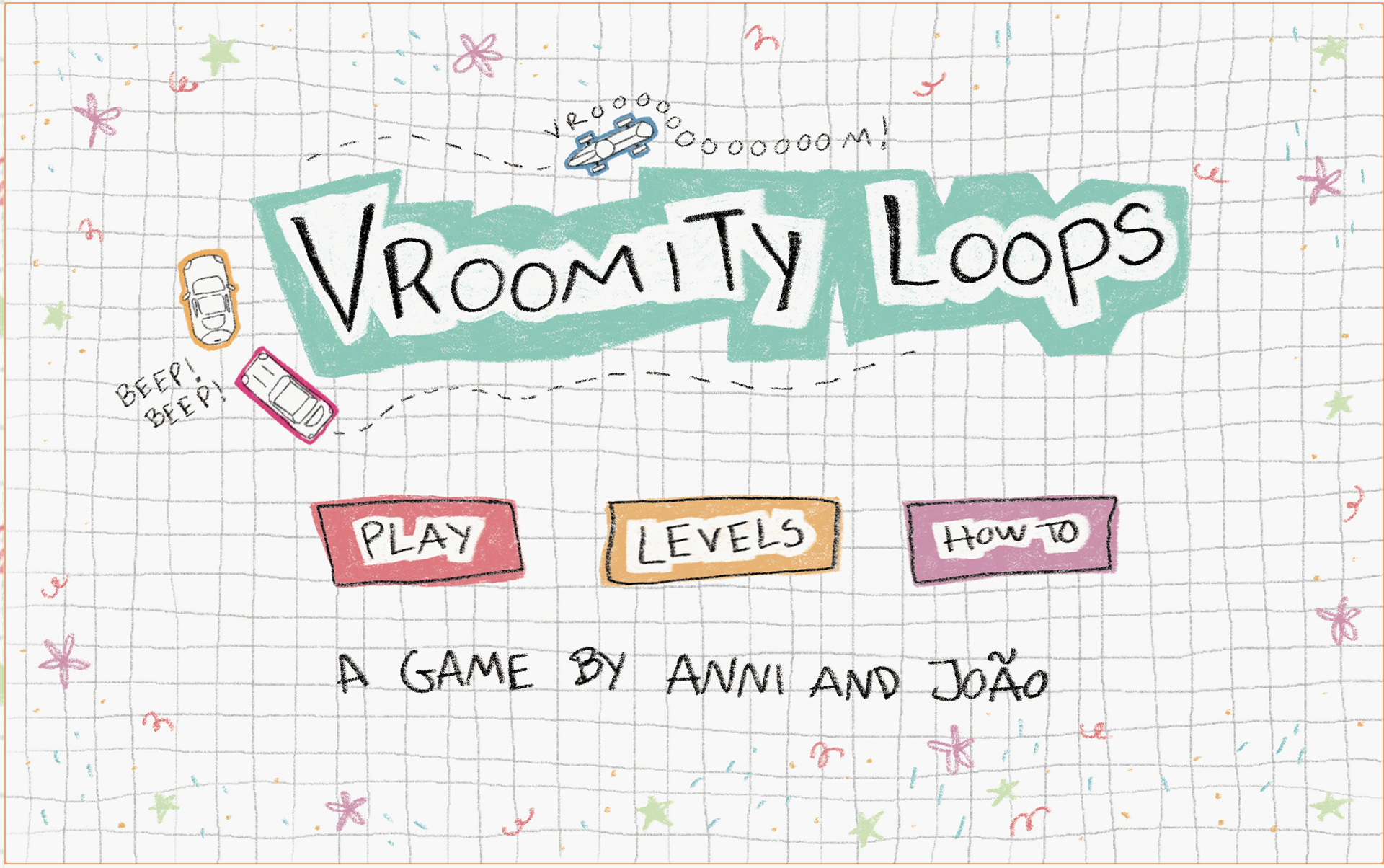
Main Screen
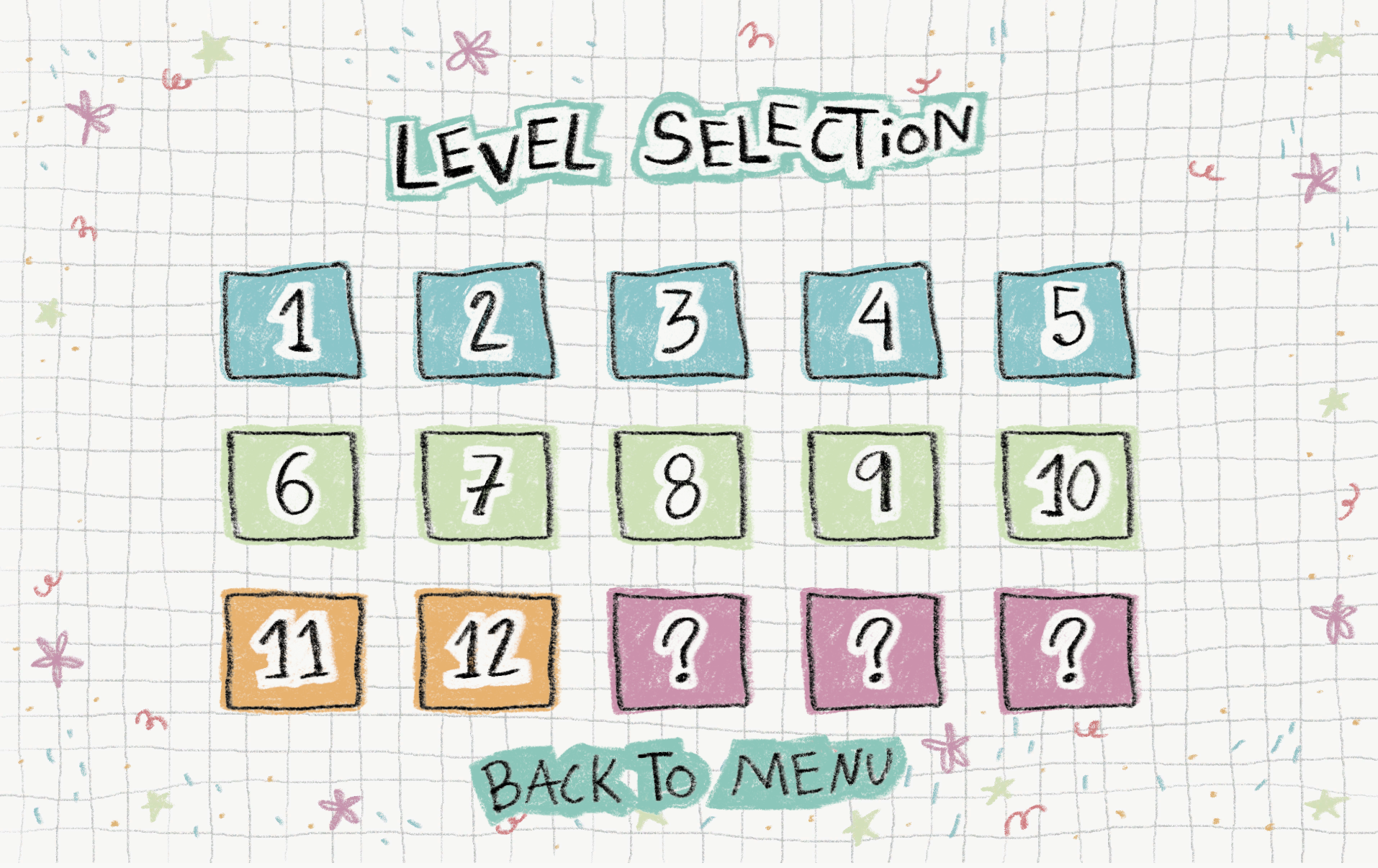
Level Selection Menu
How To